Hello Ammar,
Although I am also a beginner of HALFpipe, I have used fmriprep and Xcp_d to (pre)process rs-fMRI for a long time. As for me, I would censor the dummy scans at the very first step with fslroi command before I run fmriprep or SPM12 (usually 5 volumes) and indicate --dummy-scans 0 to generate confounds and Nifti images. If you calculate the slicetiming and CompCor with all volumes, you will get a wrong confound file polluted by non-stable-scans, and consequently your time series results would be polluted because wrong covs have been controlled in post-processing. However, if the HALFpipe has marked the non-stable-scans, it might be OK. Please refer to these posts the benefits of censoring dummy scans; researchgate for more details and explanation. They also discussed the calculation of confounds in fmriprep after detecting dummy scans, maybe the same in HALFpipe?
Emmmm… Nevertheless, if you want to discard the volumes not at the.beginning, I have no idea. I used to use CONN and it did not allow the user manually discard the volumes FD>0.5, CONN usually regresses it out (scrubbed regressors). I think it is a wise way to regress it rather than directly censor it. On the other hand, in Xcp_d, you can choose to discard the volumes or interpolate, both seem to be reasonable.
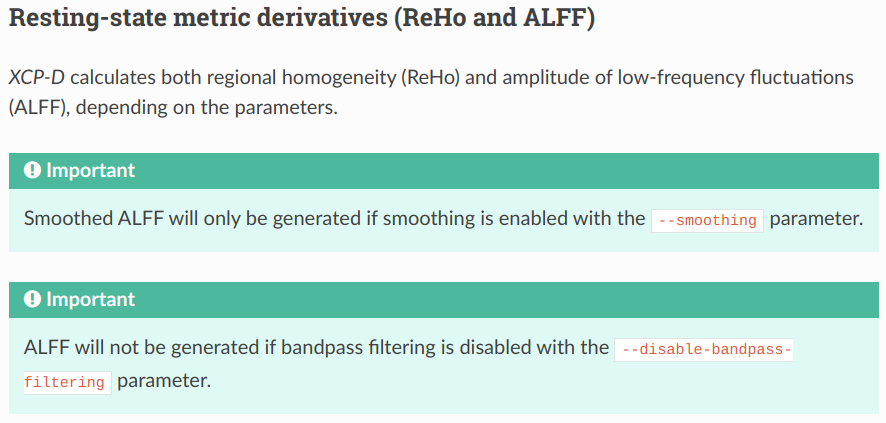
When I want to have dummy-scan-censored time series, I would firstly run fslroi to censor the first 5 volumes, and then run fmriprep, and then xcp_d -f 0.5 command (0.01-0.08Hz bandpass filtering should be done here, after preprocessing but before 1st level analysis, which is similar to software CONN based on MATLAB). Bandpass filtering is NOT a flexible but a critical step, please refer to Methods of this article the reason. If you are interested in ReHo and ALFF, this step is particularly essential because rs-fMRI signals out of 0.01~0.1Hz are almost noises.
I can only provide my experience and theoretical framework for dealing with the rs-fMRI data, as for how to manipulate these options on HALFpipe, maybe the developers could help.
Best wishes!
Weissley