Hi all,
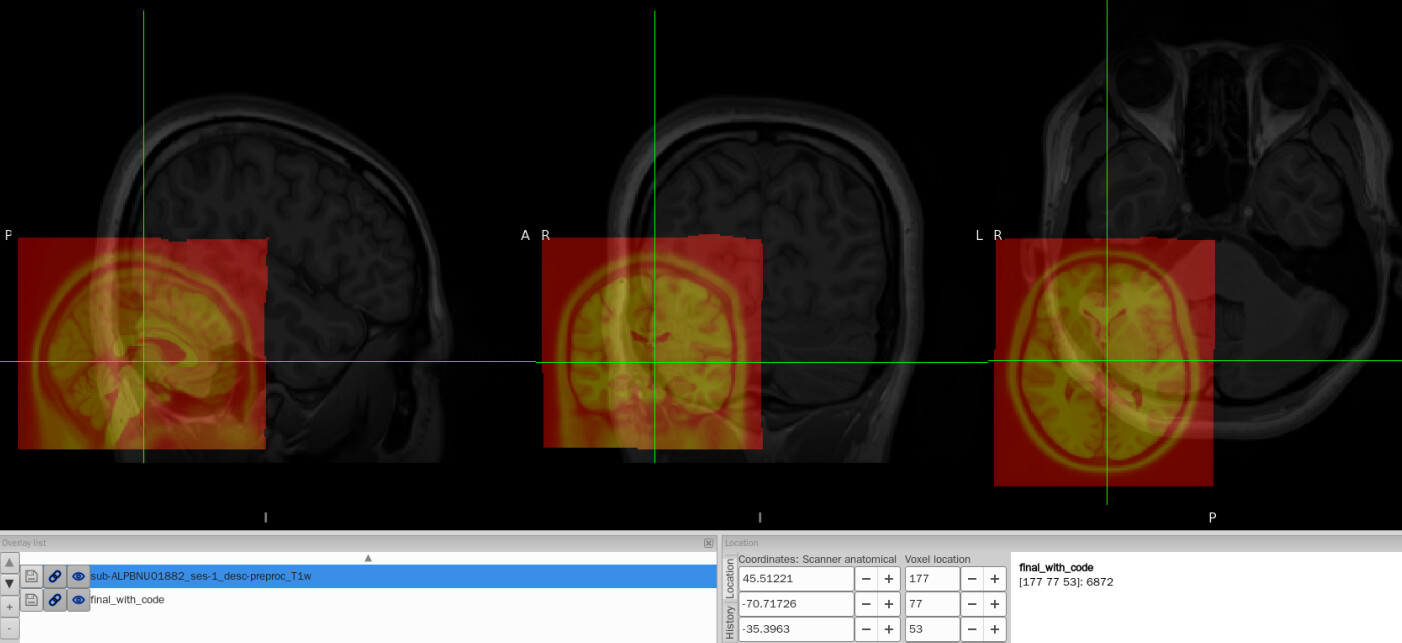
I tried to convert the ANTs-format warp (from-MNI152NLin2009cAsym_to-T1w_mode-image_xfm.h5) generated by fMRIPrep into FSL format (from-MNI152NLin2009cAsym_to-T1w_mode-image_xfm_fsl.nii.gz) using c3d affine tool, so that I could use it later in pyAFQ for tractography. The conversion itself works fine, but once I add intent code to FSL xfm header(intent code 2006), the warp seems to be damaged. To be specific, the FSL warp applied to MNI template shifted to the lower-left corner and it no longer aligns with the T1w image.
#!/usr/bin/env python3
# -*- coding: utf-8 -*-
"""

Function: Add intent code to xfm header.
"""

import argparse
import fsl.data.image as fslimage


def get_arguments():

    parser = argparse.ArgumentParser()

    parser.add_argument('-i', type=str, required=True, help='Input nifti file whose header is vacent.')
    parser.add_argument('-o', type=str, default='out.nii.gz', help='Output nifti file with the header added.')

    return parser.parse_args()


if __name__ == '__main__':

    args = get_arguments()

    img = fslimage.Image(args.i)

    # Revise intent of the image to 2006 which is the displacement field constant is FSL Format
    img.intent = 2006

    # Save the image
    img.save(args.o)
I think I have to change the intent code or pyAFQ will throw en error like: ValueError: Cannot determine type of nonlinear warp field sub-ALPBNU01882_from-MNI152NLin2009cAsym_to-T1w_mode-image_xfm_fsl.nii.gz (intent code: 0)
So what should I do? Why is this happening? I’ve tried several different scripts to modify the intent code, but they all ended up corrupting the image the same way—even though fslhd shows that only the intent code was changed. I’m really confused.
I’m a new beginner of this field and it’s my first time asking questions here. I hope I’ve clarified myself.
Hi @Qing, I’m not particularly familiar with fmriprep, ANTs or pyAFQ, but I doubt that setting the intent code is “corrupting” the warp field. I think it is more likely that the output of c3d is incomplete - for example it may not include the initial T1<->MNI152 affine transformation (registrations nearly always include both a global/linear/affine component, and a local/non-linear component).
What happens when you try to apply the FSL-format warp field (before changing its intent code) using FSL tools? For example, you can use applywarp to warp the MNI152 template into T1 space:
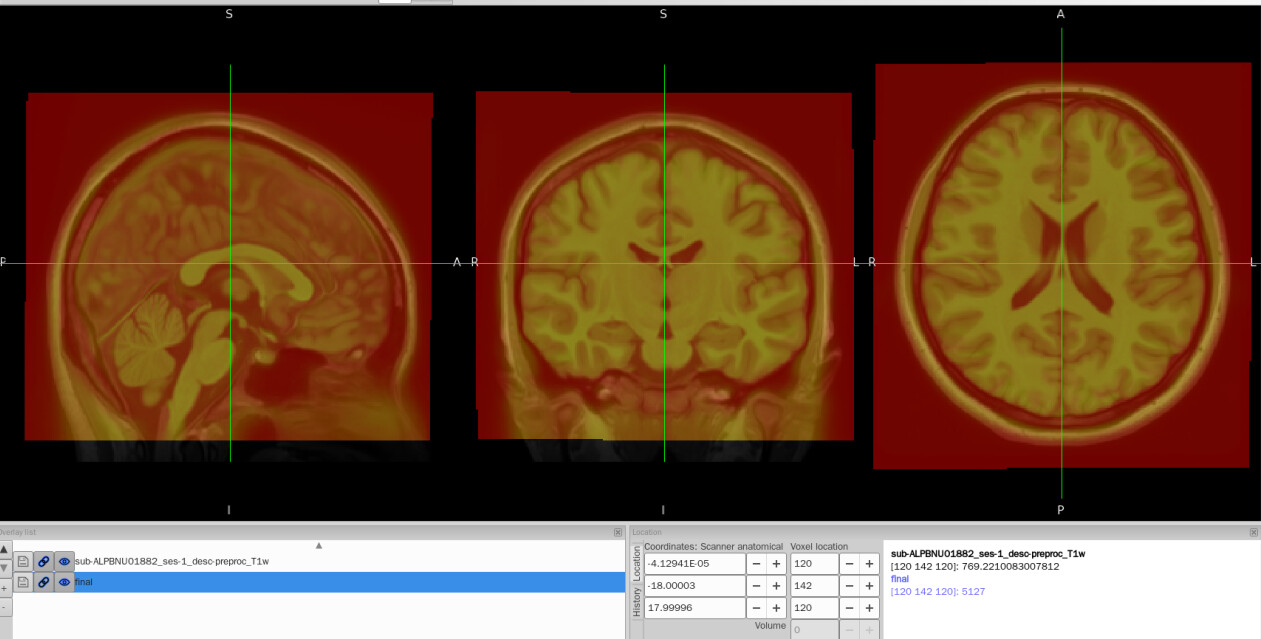
Hi @paulmccarthy, thank you for your reply! I did try to use applywarp to warp the MNI152 template into T1 space, and it seems just normal, perfectly aligning with T1w.
#!/bin/bash
# Convert ANTs_xfn file to FSL_xfm file with workbench

# ===== Get arguments =====
SUB_ID=$1
DATA_DIR=$2
OUT_DIR=$3
CODE_DIR=$4
MNI_IMAGE=$5
SRC_FLAG=$6
REF_FLAG=$7

# ===== Output directories =====
if [ -d ${OUT_DIR} ]; then
    rm "${OUT_DIR}" -r
fi
mkdir -p ${OUT_DIR}
cd ${OUT_DIR}

OUT_TOUCH_DIR="${OUT_DIR}/touches"
mkdir -p ${OUT_TOUCH_DIR}
OUT_LOG_DIR="${OUT_DIR}/logs"
mkdir -p ${OUT_LOG_DIR}

# ===== Log files ======
STDOUT_LOG="${OUT_LOG_DIR}/ants2fsl_stdout.log"
if [ -f ${STDOUT_LOG} ] ; then
    rm ${STDOUT_LOG}
fi
STDERR_LOG="${OUT_LOG_DIR}/ants2fsl_stderr.log"
if [ -f ${STDERR_LOG} ]; then
    rm ${STDERR_LOG}
fi
exec >"${STDOUT_LOG}" 2>"${STDERR_LOG}"

# ===== Input files =====
H5_TRANSFORM="${DATA_DIR}/sub-${SUB_ID}_ses-1_from-${SRC_FLAG}_to-${REF_FLAG}_mode-image_xfm.h5"
T1W_IMAGE="${DATA_DIR}/sub-${SUB_ID}_ses-1_desc-preproc_T1w.nii.gz"
if [[ "${SRC_FLAG}" == *MNI* ]]; then
    SRC_IMAGE=${MNI_IMAGE}
    REF_IMAGE=${T1W_IMAGE}
    MAT_FLAG="postmat"
elif [[ "${SRC_FLAG}" == *T1w* ]]; then
    SRC_IMAGE=${T1W_IMAGE}
    REF_IMAGE=${MNI_IMAGE}
    MAT_FLAG="premat"
fi

echo -e "SRC space is: ${SRC_FLAG};  image path=\n  ${SRC_IMAGE}"
echo -e "REF space is: ${REF_FLAG};  image path=\n  ${REF_IMAGE}"
echo -e "ANTS transform(.h5) path:\n  ${H5_TRANSFORM}"

# ===== Step 1: Disassemble .h5 composite transform into individual transforms =====
CompositeTransformUtil --disassemble ${H5_TRANSFORM} "from-${SRC_FLAG}_to-${REF_FLAG}"

if [[ "$?" == "0" ]]; then
    touch "${OUT_TOUCH_DIR}/h5disassemble.touch"
else
    exit 1
fi

# Identify components
ANTS_AFFINE=$(ls ${OUT_DIR}/*AffineTransform*.mat | head -n 1)
ANTS_WARP=$(ls ${OUT_DIR}/*DisplacementFieldTransform*.nii.gz | head -n 1)

# ===== Step 2: Convert ANTs warp to FSL warp =====
FSL_WARP="${OUT_DIR}/fsl_warp.nii.gz"

wb_command -convert-warpfield \
    -from-itk ${ANTS_WARP} \
    -to-fnirt ${FSL_WARP} ${SRC_IMAGE}

if [[ "$?" == "0" ]]; then
    touch "${OUT_TOUCH_DIR}/warp.ants2fsl.touch"
else
    exit 1
fi

# ===== Step 3: Convert ANTs affine to FSL affine =====
FSL_AFFINE="${OUT_DIR}/fsl_affine.mat"
c3d_affine_tool \
    -src ${SRC_IMAGE} \
    -ref ${REF_IMAGE} \
    -itk ${ANTS_AFFINE} \
    -ras2fsl \
    -o ${FSL_AFFINE}

if [[ "$?" == "0" ]]; then
    touch "${OUT_TOUCH_DIR}/affine.ants2fsl.touch"
else
    exit 1
fi

# ===== Step 4: Convert FSL affine and warp to FSL xfm =====
FSL_XFM="${OUT_DIR}/sub-${SUB_ID}_from-${SRC_FLAG}_to-${REF_FLAG}_mode-image_xfm_fsl.nii.gz"

convertwarp \
    --ref=${REF_IMAGE} \
    --${MAT_FLAG}=${FSL_AFFINE} \
    --warp1=${FSL_WARP} \
    --out=${FSL_XFM}

if [[ "$?" == "0" ]]; then
    touch "${OUT_TOUCH_DIR}/xfm.touch"
else
    exit 1
fi

echo -e "\nFSL transform path:\n  ${FSL_XFM}"
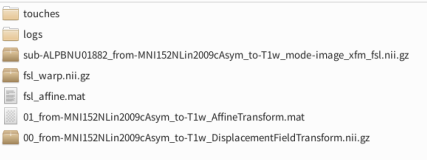
You can see that before using c3d_affine_tool to convert ants affine to fsl affine, I first used CompositeTransformUtil to disassemble .h5 composite transformation so I got ants affine and ants warp. Then I used wb_command to convert ants warp to fsl warp. And I got all these intermediate files needed. So I think the output of c3d is actually complete and it just makes the problem of adding intent code even more confusing.
Hi @Qing, ok that’s interesting - it looks like the converted warp field is fine, but changing the intent code won’t be the cause of this problem - it is just needed so that pyAFQ identifies it as a FSL-style warp field.
Could this be a resolution issue? e.g. could it be that in fmriprep you have used a 1mm version of the MNI152 template, but with pyAFQ you have used a 2mm version?
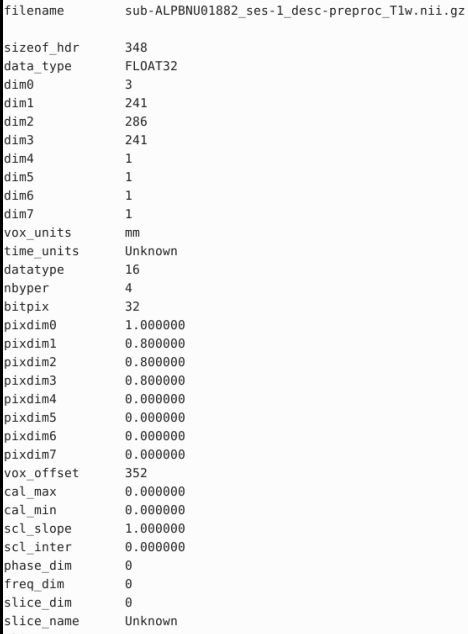
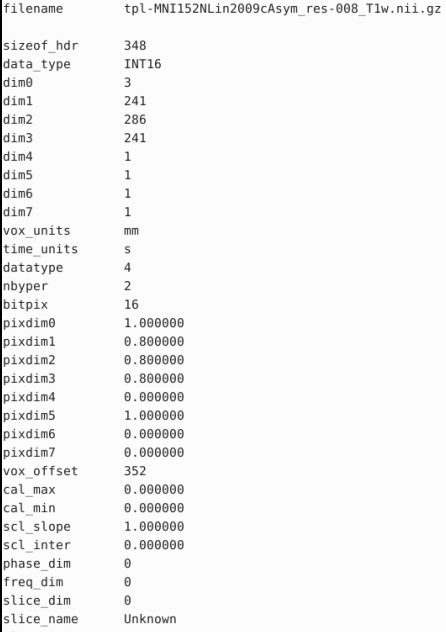
Hi @paulmccarthy, I think the resolution isn’t the cause either. The T1w image generated by fmriprep is a 0.8mm version and the MNI template I used for applywarp and pyAFQ is also a 0.8mm version. But thanks for your help Sometimes we do need to recheck the parameters when error occurs.
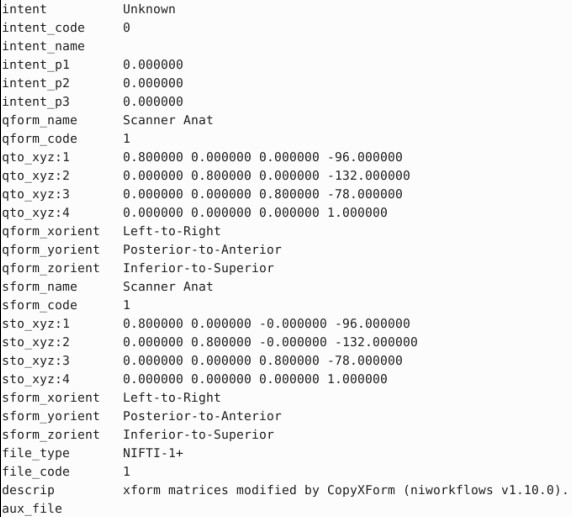
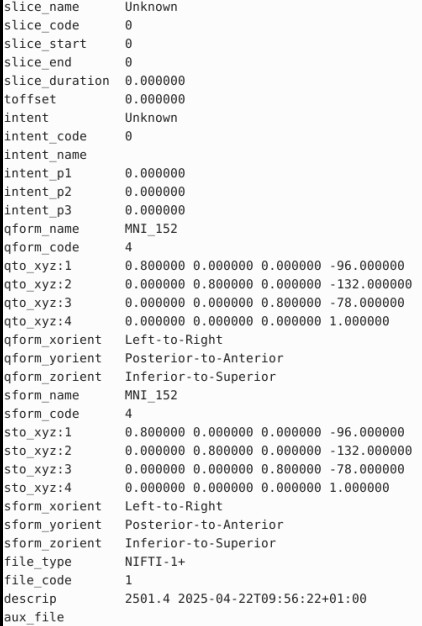
@Qing Those images look like they’re already in the same space, i.e. it looks like the T1 image has been resampled into MNI152 space. Are you sure that these are the correct images you should be applying the warp field to?
Hi @Qing , try to add intent code 2006 to fsl_warp.nii.gz in Step 2 as well, and then the type of deformation field will be correctly written in the subsequent convertwarp step.
Hi, @paulmccarthy Now we solved the problem. Just as @wangw said, I have to add intent code 2006 to fsl_warp.nii.gz first so it won’t cause format error. It was not because of the images we used. And the wrong vision warp with intent code wasn’t the reason why pyAFQ threw an error, either. Thank you for all your help!
 Sometimes we do need to recheck the parameters when error occurs.