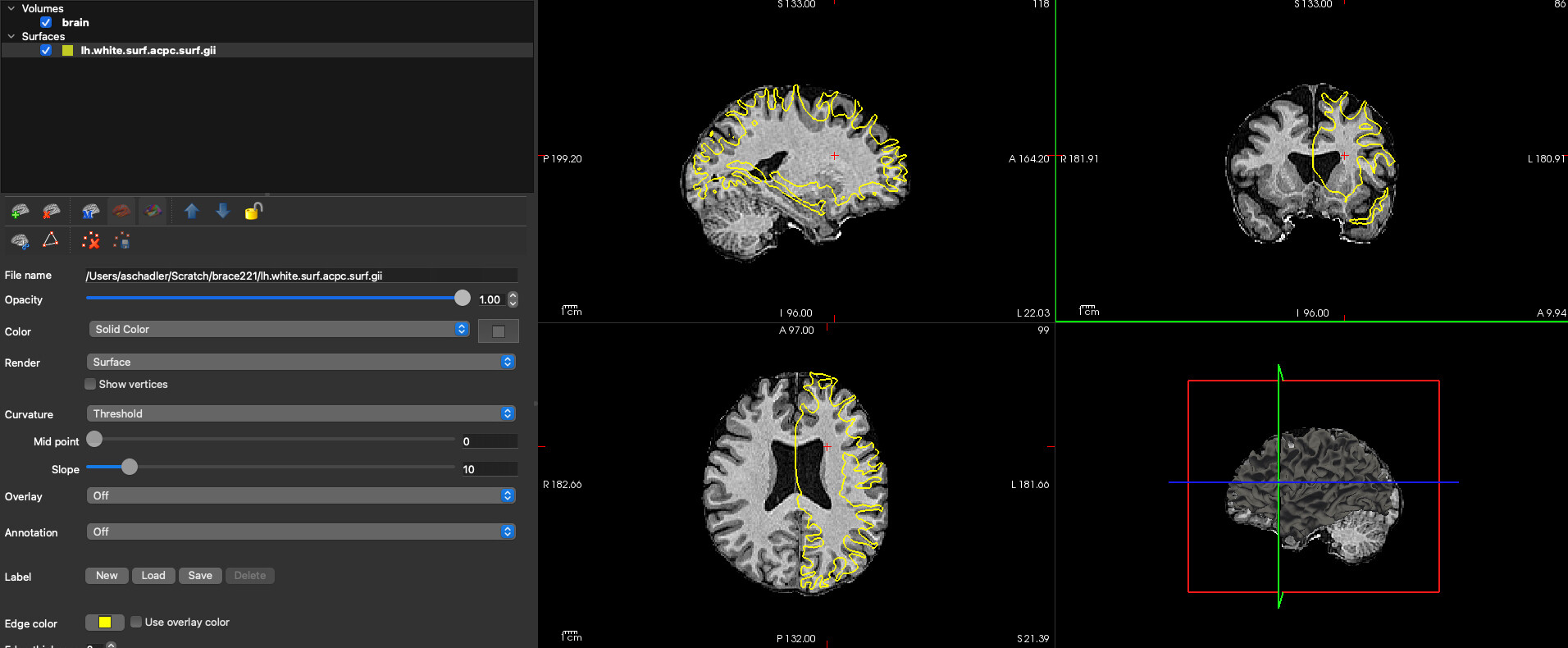
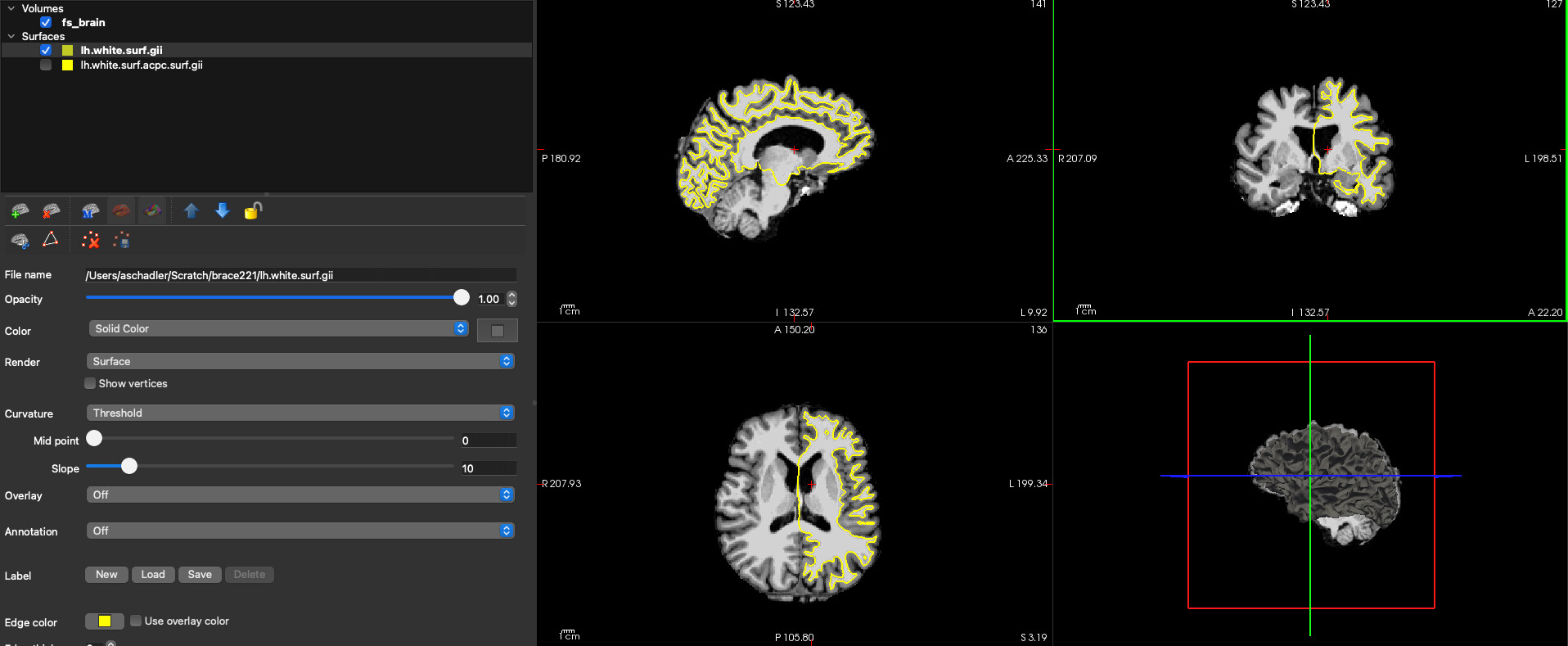
For what it’s worth, the transformation that QSIRecon calculates for its HSVS workflows is something like the following:
(note in this case $workdir is just some random temporary space, not the official qsiprep/recon work dir)
## We can use the software in the QSIPrep container to run the commands below
run_qsiprep_cmd="singularity exec --containall -e -B ${bids},${workdir} ${qsiprep_IMG}" # Alias for easy invocation of QSIPrep container

# Convert from FreeSurfer .mgz file format to NIFTI
${run_qsiprep_cmd} mrconvert -strides -1,-2,3 \
    ${SUBJECTS_DIR}/${subject}/mri/brain.mgz ${workdir}/${subject}/fs_brain.nii

# Register FreeSurfer brain to QSIPrep T1w
${run_qsiprep_cmd} antsRegistration --collapse-output-transforms 1 \
    --dimensionality 3 --float 0 \
    --initial-moving-transform [ ${bids}/derivatives/qsiprep/${subject}/anat/${subject}_desc-preproc_T1w.nii, ${workdir}/${subject}/fs_brain.nii, 1 ] \
    --initialize-transforms-per-stage 0 --interpolation BSpline \
    --output [ ${workdir}/${subject}/transform, ${workdir}/${subject}/transform_Warped.nii.gz ] \
    --transform Rigid[ 0.1 ] \
    --metric Mattes[ ${bids}/derivatives/qsiprep/${subject}/anat/${subject}_desc-preproc_T1w.nii, ${workdir}/${subject}/fs_brain.nii, 1, 32, Random, 0.25 ] \
    --convergence [ 1000x500x250x100, 1e-06, 10 ] \
    --smoothing-sigmas 3.0x2.0x1.0x0.0mm --shrink-factors 8x4x2x1 \
    --use-histogram-matching 0 \
    --masks [ ${bids}/derivatives/qsiprep/${subject}/anat/${subject}_desc-brain_mask.nii.gz, NULL ] \
    --winsorize-image-intensities [ 0.002, 0.998 ] \
    --write-composite-transform 0

# Convert ANTs .mat transform to .txt, and rename it
${run_qsiprep_cmd} ConvertTransformFile 3 \
    ${workdir}/${subject}/transform0GenericAffine.mat \
    ${workdir}/${subject}/${subject}_from-FS_to-T1wACPC_mode-image_xfm.txt

# Convert ANTs transform to MRTrix compatible transform
${run_qsiprep_cmd} transformconvert \
    ${workdir}/${subject}/${subject}_from-FS_to-T1wACPC_mode-image_xfm.txt \
    itk_import \
${bids}/derivatives/qsirecon/${subject}/anat/${subject}_from-FS_to-T1wACPC_mode-image_xfm.txt
If you’ve already run the HSVS workflow with QSIRecon you can perhaps use their outputs directly instead of recalculating likw this.